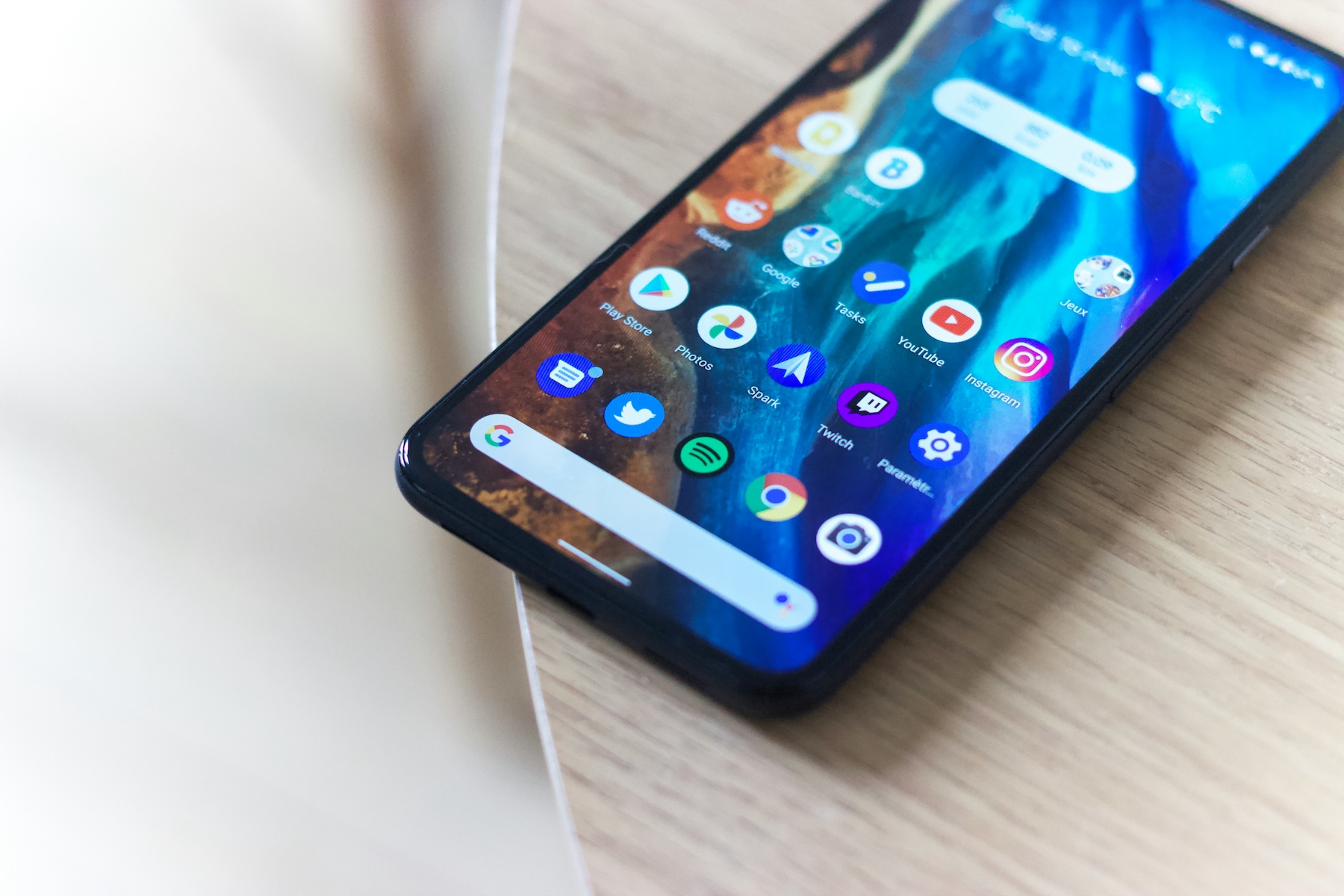
Yes — and it's the whole point. A virtual phone number forwards incoming calls directly to your mobile, so you answer business calls on the phone already in your pocket. There's no second handset, no SIM swap, and no app to install. Your mobile number stays exactly as it is; the virtual number simply routes calls to it.
It's one of the most common questions we get asked, and the answer is straightforward. Here's how it works in practice.
How a Virtual Number Works on Your Mobile
When someone dials your virtual number, the call is received by your provider's cloud-based system and instantly forwarded to your mobile. Your phone rings as normal — you answer it like any other call. The caller has no idea they've dialled a virtual number. They just see a standard UK landline number and hear a normal ringtone.
Here's what happens step by step:
The entire process takes a fraction of a second. Call quality is identical to a normal phone call — because it is a normal phone call by the time it reaches your mobile.
Do You Need to Install an App?
Not with Virtually Local. Some providers require you to download a VoIP app and take calls over your internet connection. That approach has its place, but it comes with trade-offs: call quality depends on your Wi-Fi or mobile data signal, you need to remember to keep the app running, and battery drain can be an issue.
With a call-forwarding approach, your virtual number simply diverts calls to your mobile using the standard phone network. No app, no data connection required for the call itself, and no change to how you use your phone. Your mobile rings, you answer — that's it.
| Feature | App-Based (VoIP) | Call Forwarding |
|---|---|---|
| App required | Yes — must be running | No — uses your normal dialler |
| Call quality | Depends on data/Wi-Fi signal | Standard mobile call quality |
| Works without internet | No | Yes — uses mobile network |
| Battery impact | Higher — app runs in background | None — no app needed |
| Setup complexity | Download, login, configure | Choose number, set forwarding, done |
For most UK small businesses and sole traders, call forwarding is the simpler and more reliable option. You get a proper business landline number without changing anything about how you use your phone day to day.
What Your Callers Experience
From the caller's perspective, nothing is different. They dial a local landline number — say an 0161 Manchester number or an 020 London number — and hear a standard ringtone. When you pick up, it sounds like any other phone call. They won't know you're answering on a mobile, and they won't know the number is virtual.
This matters more than you might think. Zen Internet research found that 35% of UK consumers wouldn't trust a small business that only uses a mobile number. When given a choice, 50% of consumers said they'd call a landline first — compared with just 6% who'd choose a mobile.
A virtual number gives your callers the landline experience they trust, while you get the convenience of answering on your mobile wherever you are.
What Else Can You Do From Your Mobile?
Because your virtual number is managed through an online portal rather than tied to a physical phone line, you get features that go well beyond simple call forwarding:
-
Business hours routing — Calls ring your mobile during working hours and go straight to voicemail in the evenings and weekends. No more business calls interrupting dinner.
-
Voicemail to email — Missed calls leave a voicemail that arrives in your inbox as an audio file. Check messages from anywhere without dialling in.
-
Missed call alerts — Get an instant email whenever you miss a call, with the caller's number so you can ring back promptly.
-
Hunt groups — Ring multiple team members' mobiles simultaneously or in sequence. The first person to pick up takes the call.
All of these are configured through a web portal and work automatically once set up. You don't need to touch your phone's settings or install anything.
Common Questions
If you return a call from your mobile, your personal mobile number will show on the recipient's phone. The virtual number only applies to incoming calls. If displaying your business number on outbound calls is important, some providers offer app-based outbound calling or CLI presentation features.
Yes. You can set up your virtual number to ring multiple mobiles at the same time, or in a specific order. This is ideal for small teams who share responsibility for answering calls.
Because calls are forwarded to your mobile number using the standard phone network, it works on every phone — iPhone, Android, or even an old Nokia. There's no compatibility requirement.
Forwarded calls are handled by your virtual number provider, so they don't come out of your mobile allowance. The caller pays the same rate as calling any standard UK landline — which is included in virtually all UK mobile and landline bundles.
The Bottom Line
Using a virtual phone number on your mobile is not only possible — it's how the majority of UK small businesses use them. Your mobile rings when a customer calls your business number. You answer as normal. No app, no extra hardware, no complicated setup.
You get a proper local landline number that customers recognise and trust, with professional features like business hours routing and voicemail to email built in. Your personal mobile number stays private. And the whole thing costs from £4.95 per month.
For a deeper look at how virtual numbers work, see our complete guide to virtual phone numbers.
Ready to Get Your Local Business Number?
Choose from hundreds of UK area codes and start receiving calls in minutes.
Browse Area Codes